Make AI videos
from text or a photo.
Type what you want to see, or upload a photo, and get a video in minutes. Use top AI models like Kling, Veo and Seedance, all in one place.
See what you can make
Every video and picture here was made on Cinevane, for a few cents each. Tap one to make your own.
 Monsoon KidsSeedream 5.5 · 7 creditsTry this prompt Mango BatsmanWan 2.2 Turbo · 17 creditsTry this prompt Parrot GrandmaWan 2.2 Turbo · 17 creditsTry this prompt Space PandaWan 2.2 Turbo · 17 creditsTry this prompt
 Ice Cream HippoSeedream 5.5 · 7 creditsTry this prompt DJ MonkeyWan 2.2 Turbo · 17 creditsTry this prompt Dr. CrocWan 2.2 Turbo · 17 creditsTry this prompt MC GoatWan 2.2 Turbo · 17 creditsTry this prompt
 Birthday DragonSeedream 5.5 · 7 creditsTry this prompt Runway CatWan 2.2 Turbo · 17 creditsTry this prompt
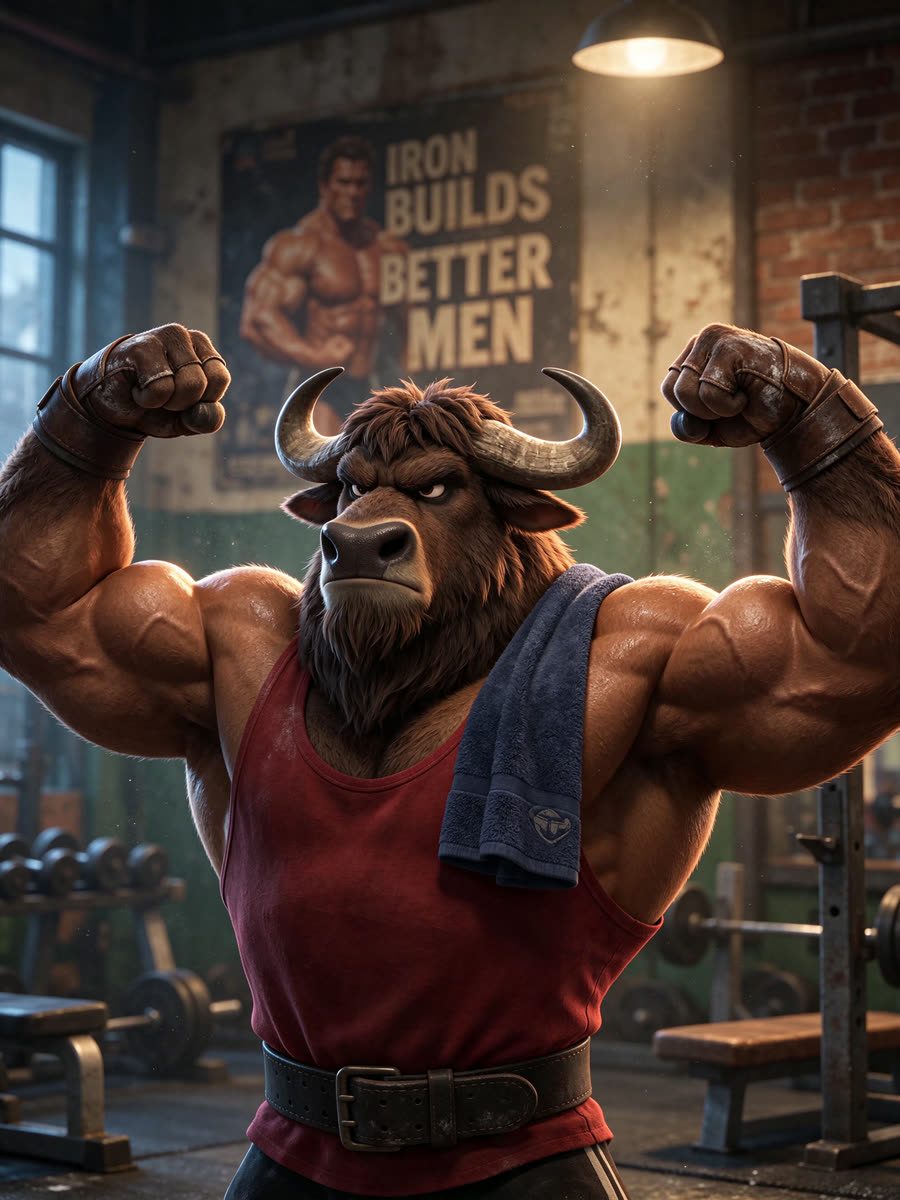 Gym BuffaloSeedream 5.5 · 7 creditsTry this prompt
Add movie-style camera moves
Pick a move, like zoom in or circle around, and the AI films your video that way. One tap, no skills needed.
Videos, pictures, talking photos and upscaling. All in one place.

Make a video in 3 easy steps
Type or upload
Write what you want to see, or upload a photo to start from.
Pick a style and an AI model
Add a camera move or effect if you like. Then pick an AI model. Each one is good at something different.
Get your video
It's ready in a few minutes. Download it, make it sharper or share it.
Fun effects for your photos
All the top AI models in one place
Real results from each model. They all got the same request. Tap a video to play it with sound.
Smoothest, most realistic movement. Can use a start and end picture.
Movie-like videos with sound.
Real-looking videos with talking and sound.
Fast, lively videos with sound.
Good quality for a low price. Follows your words closely.
Cheap and good for everyday videos.
Quick 5-second videos for a low price.

Best all-round picture maker. Can edit your photos.

Sharp, detailed pictures for a low price.

Very realistic, photo-like pictures.
Natural talking videos, like a presenter.
Moves the whole body while talking.
Lively faces. Works on cartoons too.
Cheapest choice for long talking videos.
Start making videos today
Plans start at $50 a month. If a video fails, you get your credits back.
Common questions
What is Cinevane?
Cinevane is a website for making AI videos. Type what you want to see, or upload a photo, and the AI makes the video. You can use the top AI models, like Kling, Veo, Seedance, MiniMax and Wan. You can also make pictures, make a photo talk, and make pictures and videos sharper (up to 4K).
How do credits work?
Each video or picture costs credits. You see the price on the Generate button before you click. 1 credit is about 1 cent. Plans give you new credits every month.
What if a video fails?
You get your credits back automatically. You only pay for videos and pictures that work.
Can I use what I make for my business?
Yes. What you make is yours to use, following our Terms and each AI model's rules. Don't make videos of real people without their permission.
Which AI model should I pick?
Kling 4.0 for the best movement. Veo 3.1 for real-looking videos with sound. Seedance for fast, lively clips. MiniMax and Wan to save money. Not sure? Start with Wan 2.2 Turbo, it's the cheapest.
Do I need to install anything?
No. It works in your web browser, on your computer and your phone.